5 Best AI Productivity Tools for Remote Workers
Boost your productivity. Discover the 5 best AI tools that help remote workers manage tasks, meetings, and schedules effectively.
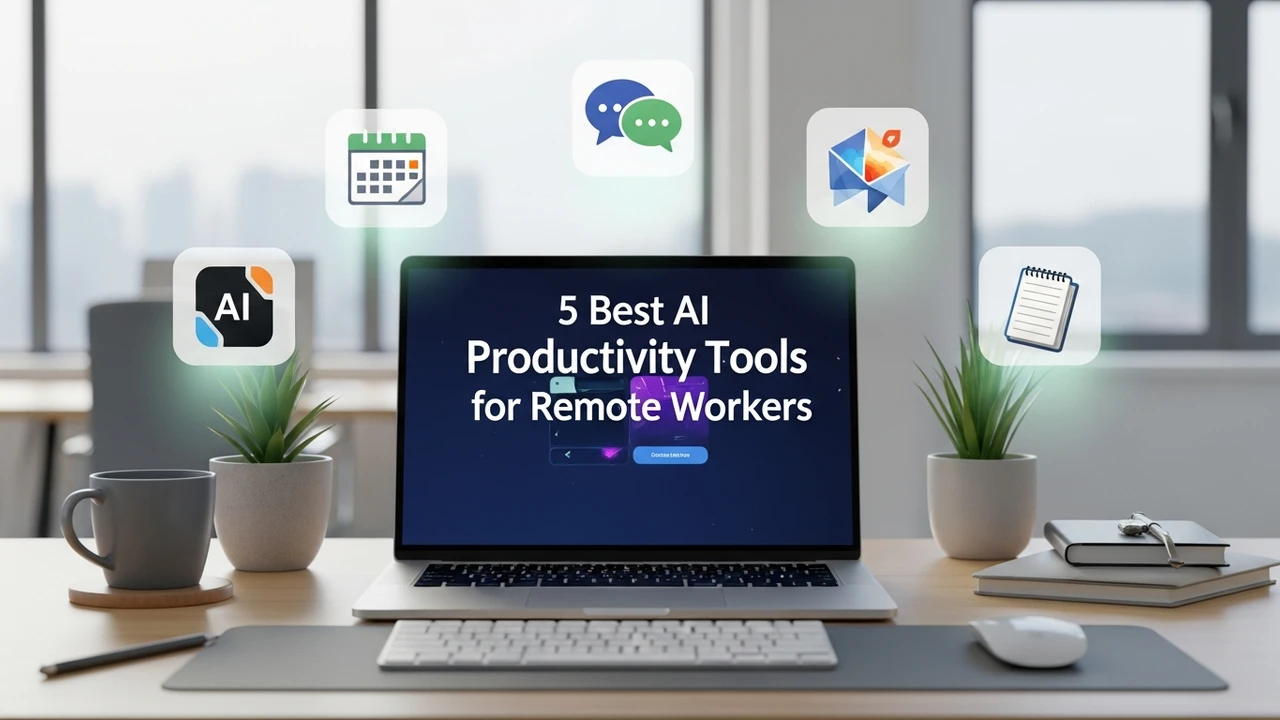
5 Best AI Productivity Tools for Remote Workers
Boost your productivity. Discover the 5 best AI tools that help remote workers manage tasks, meetings, and schedules effectively.
Working from home sounds like a dream until you realize you are juggling five different apps, three time zones, and a never-ending stream of Slack notifications. If you feel like your brain is constantly switching tabs, you are not alone. The good news is that AI has finally moved past the hype phase and into the 'actually useful' phase for remote professionals. We are talking about tools that don't just organize your day but actually do the heavy lifting for you.
Top AI Productivity Tools for Remote Task Management
When it comes to keeping your head above water, task management is the first line of defense. The best tools today aren't just digital to-do lists; they are intelligent assistants that prioritize your work based on deadlines and energy levels. Motion is currently leading the pack here. Unlike Trello or Asana, which require you to manually drag and drop tasks, Motion uses AI to automatically build your schedule. If a meeting runs over, it shifts your tasks around instantly. It’s like having a personal assistant who never sleeps.
AI Meeting Assistants for Remote Collaboration
Let’s be honest: most meetings could have been emails. But since we have to attend them, we might as well make them productive. Otter.ai and Fireflies.ai have become essential for remote teams. These tools join your Zoom or Google Meet calls, transcribe everything in real-time, and—this is the best part—generate a summary of action items. You no longer have to worry about missing a detail while you’re grabbing a coffee. Fireflies even allows you to search through your past meetings by keyword, which is a total game-changer when you can't remember what was decided three weeks ago.
Comparing AI Scheduling and Time Tracking Software
Choosing the right tool depends on your specific workflow. If you are a freelancer, you might prefer Clockwise for its ability to protect your 'focus time' by automatically rearranging your calendar to create blocks of deep work. If you are a project manager, you might lean toward Reclaim.ai, which is better at handling complex team schedules. In terms of pricing, most of these tools follow a SaaS model. Motion starts around $19 per month, while Otter.ai offers a generous free tier with paid plans starting at $10 per month. When you compare these to the cost of a missed deadline or a burnt-out employee, the ROI is pretty clear.
AI Writing and Communication Tools for Remote Teams
Communication is the lifeblood of remote work, but it’s also where most misunderstandings happen. Grammarly has evolved far beyond simple spell-checking. Its AI now suggests tone adjustments, helping you sound more professional or empathetic depending on who you are emailing. For those who struggle with writer's block, Jasper or Notion AI can help draft project briefs or status updates in seconds. These tools don't replace your voice; they just help you get your thoughts down faster so you can get back to the actual work.
Integrating AI Tools into Your Daily Remote Workflow
The biggest mistake people make is trying to use all these tools at once. Don't do that. Start by identifying your biggest pain point. Is it meetings? Get an AI transcriber. Is it scheduling? Try an AI calendar. Once you have one tool integrated, you will start to see where the next bottleneck is. Remember, these tools are meant to give you back your time, not add more complexity to your day. If you find yourself spending more time managing your AI tools than doing your actual job, it’s time to scale back. The goal is to work smarter, not just add more software to your stack.
Future Trends in AI Productivity for Distributed Teams
We are moving toward a world where your AI tools will talk to each other. Imagine a future where your meeting assistant automatically updates your task manager, which then notifies your team on Slack about the progress. We are almost there. As these platforms continue to integrate via APIs, the friction of remote work will continue to drop. Keep an eye on how these tools evolve over the next year, as the integration of LLMs into standard productivity suites is going to make the current generation of tools look like basic calculators. Stay curious, keep testing, and find the stack that works for your specific rhythm.
:max_bytes(150000):strip_icc()/277019-baked-pork-chops-with-cream-of-mushroom-soup-DDMFS-beauty-4x3-BG-7505-5762b731cf30447d9cbbbbbf387beafa.jpg)