5 Best AI Agent Collaboration Tools for Remote Teams
Enhance team productivity with AI. Compare the 5 best collaboration tools that integrate autonomous agents into your remote workflow.
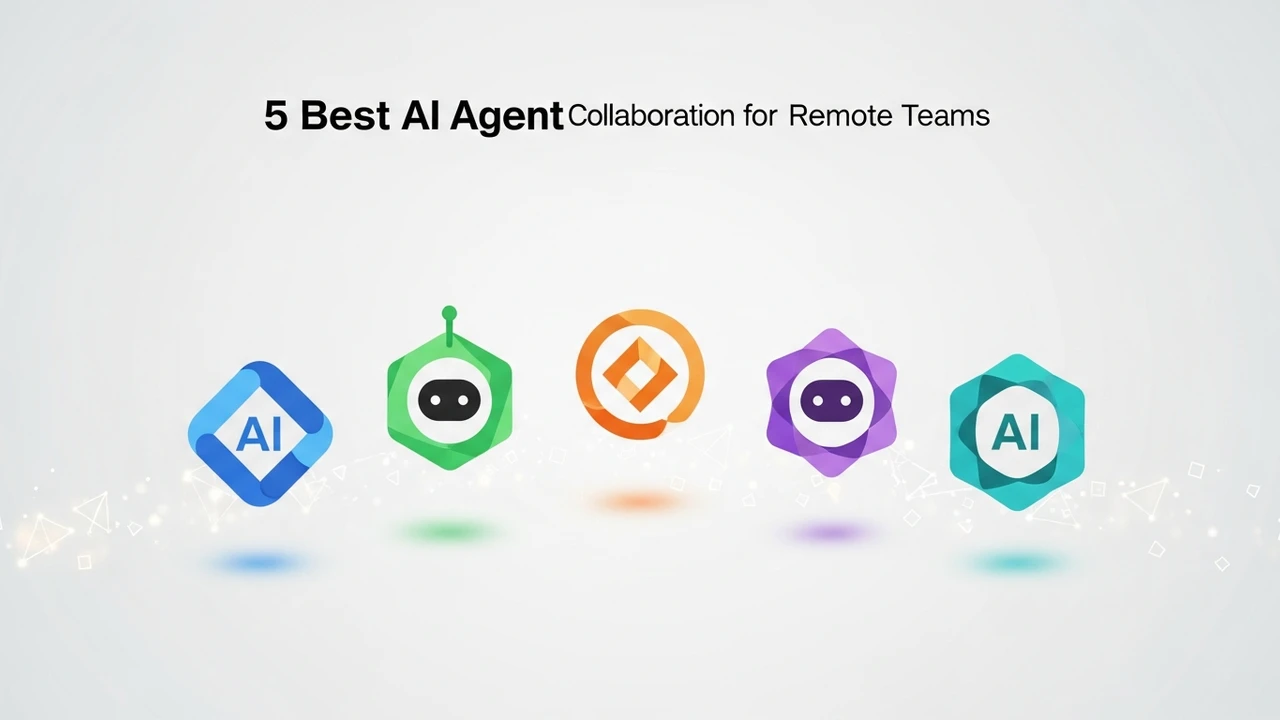
Enhance team productivity with AI. Compare the 5 best collaboration tools that integrate autonomous agents into your remote workflow.
5 Best AI Agent Collaboration Tools for Remote Teams
Working remotely has become the new normal, but let’s be honest—keeping everyone on the same page is still a massive headache. You’ve got time zones, communication silos, and the constant struggle of managing project updates. Enter AI agents. These aren't just chatbots; they are autonomous digital coworkers that can handle scheduling, data synthesis, and even project management tasks while you sleep. If you are looking to supercharge your remote team, integrating AI agent collaboration tools is the smartest move you can make this year.
Top AI Agent Platforms for Remote Team Workflow Automation
When we talk about AI agents in a remote setting, we are looking for tools that act as a bridge between human creativity and machine efficiency. The best platforms today don't just automate tasks; they learn your team's habits. For instance, if your team uses Slack or Microsoft Teams, you need an agent that lives inside those channels, not one that forces you to log into a separate dashboard every five minutes.
Comparing Leading AI Agent Collaboration Software
Let’s break down the heavy hitters. First, we have CrewAI. This is arguably the gold standard for multi-agent orchestration. It allows you to assign specific roles to agents—like a 'Researcher' agent and a 'Writer' agent—and watch them collaborate to finish a project. It’s perfect for remote teams that need to produce high-volume content or technical documentation.
Next is Zapier Central. If your team is already living in the Zapier ecosystem, this is a no-brainer. It allows you to teach AI agents how to interact with over 6,000 apps. You can tell your agent, 'Whenever a new lead comes in via email, research their company and update our CRM,' and it just does it. It’s less about 'coding' and more about 'teaching' your digital assistant.
Then there is Microsoft Copilot Studio. For teams already deep in the Microsoft 365 stack, this is the most seamless integration. It’s powerful, secure, and handles complex enterprise data with ease. The downside? It can be a bit pricey and requires a bit more setup time compared to the plug-and-play nature of smaller startups.
Real World Use Cases for AI Agents in Remote Environments
Imagine a scenario where your remote sales team is struggling to keep up with inbound inquiries. An AI agent can be deployed to monitor your inbox, qualify the lead based on your specific criteria, and then automatically schedule a meeting on your calendar. This saves hours of back-and-forth emails. Another great use case is project management. An agent can scan your Jira or Trello boards, identify bottlenecks, and ping the relevant team members with a summary of what’s blocked, effectively acting as a 24/7 project manager.
Pricing and ROI Analysis for AI Agent Tools
Pricing varies wildly. CrewAI is largely open-source and free to start, though you’ll pay for the underlying LLM API calls (like OpenAI’s GPT-4). Zapier Central is often included in higher-tier Zapier plans, usually starting around $50-$100 per month depending on your usage. Microsoft Copilot Studio is typically priced per user, often around $30 per user/month, which adds up quickly for large teams but offers immense value in terms of security and compliance.
When you calculate the ROI, don't just look at the subscription cost. Look at the hours saved. If an AI agent saves each of your 10 team members 5 hours a week, that’s 50 hours of reclaimed time. At an average hourly rate of $50, that’s $2,500 of value generated per week. The math makes the investment look like a bargain.
Selecting the Right AI Agent Infrastructure for Your Team
Choosing the right tool comes down to your team's technical maturity. If you have developers on staff, go with CrewAI or AutoGen. You’ll get more control and better customization. If you are a non-technical team, stick to Zapier Central or platforms like Relevance AI. These tools are designed for 'human-in-the-loop' workflows where you don't need to write a single line of code to get an agent up and running. Start small, pick one repetitive process, and let the agent handle it for a week. Once you see the time saved, you’ll wonder how you ever managed your remote team without them.
:max_bytes(150000):strip_icc()/277019-baked-pork-chops-with-cream-of-mushroom-soup-DDMFS-beauty-4x3-BG-7505-5762b731cf30447d9cbbbbbf387beafa.jpg)