3 Best AI Coding Assistants for Software Developers
Compare the 3 best AI coding assistants that help developers write, debug, and optimize code efficiently.
5 Best AI Coding Assistants for Software Developers
Compare the 3 best AI coding assistants that help developers write, debug, and optimize code efficiently. In the fast-paced world of software engineering, staying ahead means leveraging the right tools. AI coding assistants have moved from being experimental toys to essential components of the modern developer's stack. Whether you are a solo freelancer or part of a massive enterprise team, these tools are changing how we approach syntax, debugging, and architecture.
Why AI Coding Assistants Are Essential for Modern Development
Gone are the days when you had to manually type out every boilerplate function. Today, AI coding assistants act as pair programmers that never sleep. They understand context, suggest refactoring, and can even write unit tests in seconds. By offloading the repetitive parts of coding, you get to focus on the high-level logic that actually moves the needle for your product. It is not just about speed; it is about reducing the cognitive load that leads to burnout.
Top 5 AI Coding Assistants Compared
When looking for the right tool, you need to consider integration, language support, and privacy. Here are the top contenders currently dominating the market.
GitHub Copilot The Industry Standard
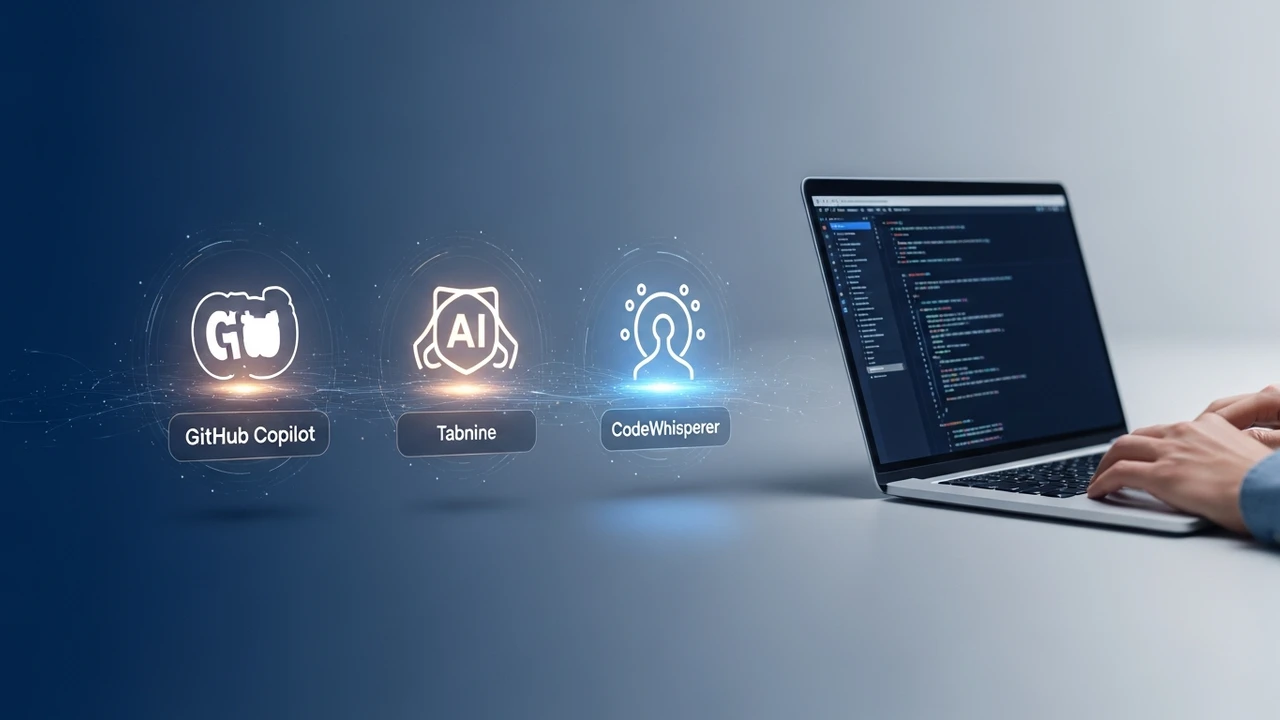
GitHub Copilot remains the heavyweight champion. It is powered by OpenAI's models and is deeply integrated into VS Code. It excels at predicting entire blocks of code based on your comments. Use Case: Perfect for full-stack developers working in large codebases. Pricing: Starts at $10/month for individuals. Comparison: While it is the most robust, it can sometimes be a bit too opinionated compared to more lightweight alternatives.
Cursor The AI Native IDE
Cursor is not just a plugin; it is a full-blown IDE fork of VS Code. Because it is built from the ground up for AI, it has a deeper understanding of your entire project structure. Use Case: Best for developers who want a seamless, chat-first coding experience. Pricing: Free tier available, Pro plan at $20/month. Comparison: It beats Copilot in context-awareness because it can index your entire local repository.
Tabnine The Privacy Focused Choice
If you are working in a highly regulated industry, Tabnine is your go-to. It offers local model hosting, meaning your code never leaves your machine. Use Case: Enterprise teams with strict data security requirements. Pricing: Free basic version, Pro at $12/month. Comparison: It is faster than Copilot in terms of latency but slightly less creative with complex logic.
Amazon CodeWhisperer The Cloud Native Assistant
Deeply integrated with AWS, this tool is a no-brainer if your infrastructure lives in the cloud. It provides security scans that are specifically tuned for AWS best practices. Use Case: Cloud engineers and DevOps professionals. Pricing: Free for individual developers. Comparison: It is the best at suggesting cloud-specific API calls compared to general-purpose assistants.
Codeium The Best Free Alternative
Codeium has gained massive popularity for offering a feature set that rivals Copilot for free. It is incredibly fast and supports a wide range of IDEs beyond just VS Code. Use Case: Students and developers on a budget who do not want to sacrifice performance. Pricing: Free for individuals. Comparison: It is the most generous in terms of features provided at zero cost.
How to Choose the Right AI Tool for Your Workflow
Choosing the right assistant depends on your specific environment. If you are already deep in the AWS ecosystem, CodeWhisperer is a natural fit. If you want the absolute best AI-native experience, switching to Cursor is worth the effort. For those who prioritize security above all else, Tabnine is the only logical choice. Remember, these tools are meant to assist, not replace. You still need to review the code, run your tests, and ensure that the logic holds up under pressure. The best developers are the ones who use AI to amplify their own skills rather than relying on it to do the thinking for them.
Optimizing Your Development Cycle with AI Integration
Integrating these tools into your daily routine is simple. Start by letting the AI handle your unit tests. It is a great way to build trust in the tool's output. Once you are comfortable, move on to refactoring legacy code. You will be surprised at how much cleaner your codebase becomes when you have an AI partner suggesting better patterns. Keep experimenting with different prompts and settings to see what works best for your specific language and framework. The landscape is changing every week, so keep an eye on updates and new features that could further streamline your workflow.
:max_bytes(150000):strip_icc()/277019-baked-pork-chops-with-cream-of-mushroom-soup-DDMFS-beauty-4x3-BG-7505-5762b731cf30447d9cbbbbbf387beafa.jpg)