5 Best AI Audio Editing Tools for Podcasters
Enhance your audio quality. Explore the 5 best AI tools for editing, cleaning, and mastering your podcast episodes.
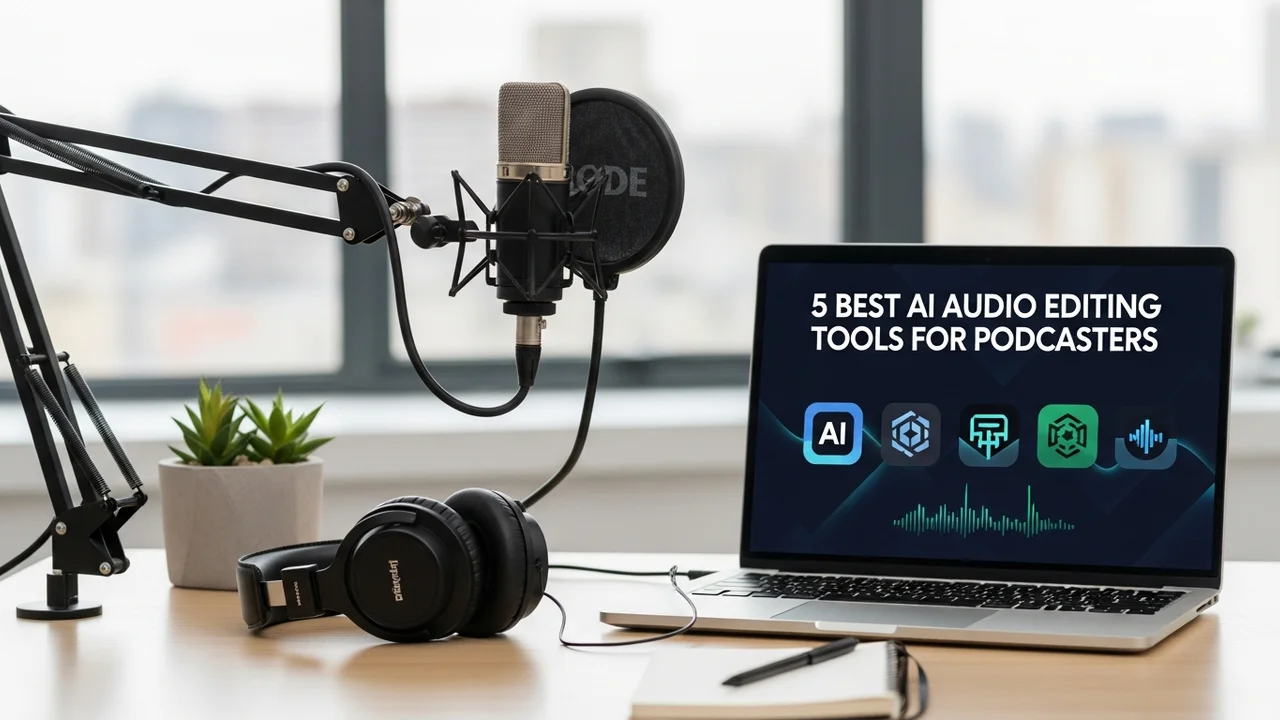
5 Best AI Audio Editing Tools for Podcasters
Enhance your audio quality. Explore the 5 best AI tools for editing, cleaning, and mastering your podcast episodes.
Why AI Audio Editing is a Game Changer for Podcasters
If you have ever spent hours manually removing background hums, mouth clicks, or uneven volume levels, you know the pain of post-production. AI audio editing has completely flipped the script. Instead of spending your weekend staring at waveforms, you can now let machine learning algorithms handle the heavy lifting. Whether you are a solo creator or running a professional studio, these tools are designed to save you time while making your audio sound like it was recorded in a million-dollar facility.
Adobe Podcast Enhance The Gold Standard for Voice Clarity
Adobe Podcast is arguably the most famous tool in the game right now. It uses advanced AI to take low-quality recordings—even those made on a cheap laptop mic in a noisy room—and makes them sound like they were captured in a professional studio. It is incredibly simple to use: you just upload your file, and the AI does the rest. It is perfect for podcasters who record on the go or in less-than-ideal acoustic environments. Pricing is currently free for the web-based version, making it the best entry point for beginners.
Descript The All In One AI Editor
Descript is more than just an audio editor; it is a text-based editing platform. You upload your audio, and it transcribes everything. If you want to cut a sentence, you just delete the text, and the audio follows suit. It also features 'Studio Sound,' which uses AI to remove room echo and background noise. It is a massive time-saver for narrative podcasts. They offer a free tier, with paid plans starting around $12 per month, which is a steal considering it replaces your DAW and your transcription service.
Auphonic The Automated Mastering Solution
Auphonic is the veteran of the industry. It is not a traditional editor where you move clips around; it is an automated post-production service. You upload your raw file, and it applies intelligent leveling, noise reduction, and loudness normalization to meet industry standards (like -16 LUFS for podcasts). It is the 'set it and forget it' tool. It is particularly great for people who have multiple guests with different microphone setups. They offer a generous free monthly allowance, with pay-as-you-go credits for heavier users.
Podcastle The AI Suite for Creators
Podcastle is a fantastic all-in-one platform that includes remote recording, AI editing, and even text-to-speech features. Its 'Magic Dust' tool is the standout feature here, which cleans up audio with a single click. It is very user-friendly and feels less intimidating than professional software like Audacity or Adobe Audition. For podcasters who want to record, edit, and host in one place, this is a top-tier choice. Their plans start at $11.99 per month, providing a great balance of features for the price.
Krisp The Real Time Noise Cancellation Hero
While the others are for post-production, Krisp is for the recording phase. It uses AI to remove background noise in real-time. If you have a barking dog, a loud fan, or construction outside your window, Krisp silences it before it even hits your recording software. It is a must-have for live-streamed podcasts or remote interviews. The free version is quite capable, and the Pro version, at $8 per month, is a small price to pay for peace of mind during a recording session.
Comparing the Top AI Audio Tools
Choosing the right tool depends on your workflow. If you need to edit content quickly, Descript is the winner. If you just need to fix bad audio quality, Adobe Podcast is unbeatable. For those who want professional mastering without the technical headache, Auphonic is the way to go. Podcastle is best for those who want an all-in-one ecosystem, and Krisp is essential for those who record in noisy environments. Most of these tools offer free trials or tiers, so I highly recommend testing them with a sample of your own voice to see which AI model handles your specific tone and environment best.
Getting Started with AI Audio Workflows
Integrating these tools into your workflow is easier than you think. Start by using Krisp during your recording to ensure your raw files are clean. Then, run your final export through Auphonic or Adobe Podcast to get that polished, broadcast-ready sound. If you have a lot of 'ums' and 'ahs' to cut, bring the file into Descript to finish the job. You will find that your production time drops by at least 50 percent, allowing you to focus on what really matters: creating great content for your listeners.
:max_bytes(150000):strip_icc()/277019-baked-pork-chops-with-cream-of-mushroom-soup-DDMFS-beauty-4x3-BG-7505-5762b731cf30447d9cbbbbbf387beafa.jpg)